The FracTracker App

Get the new

FRACTRACKER MOBILE APP

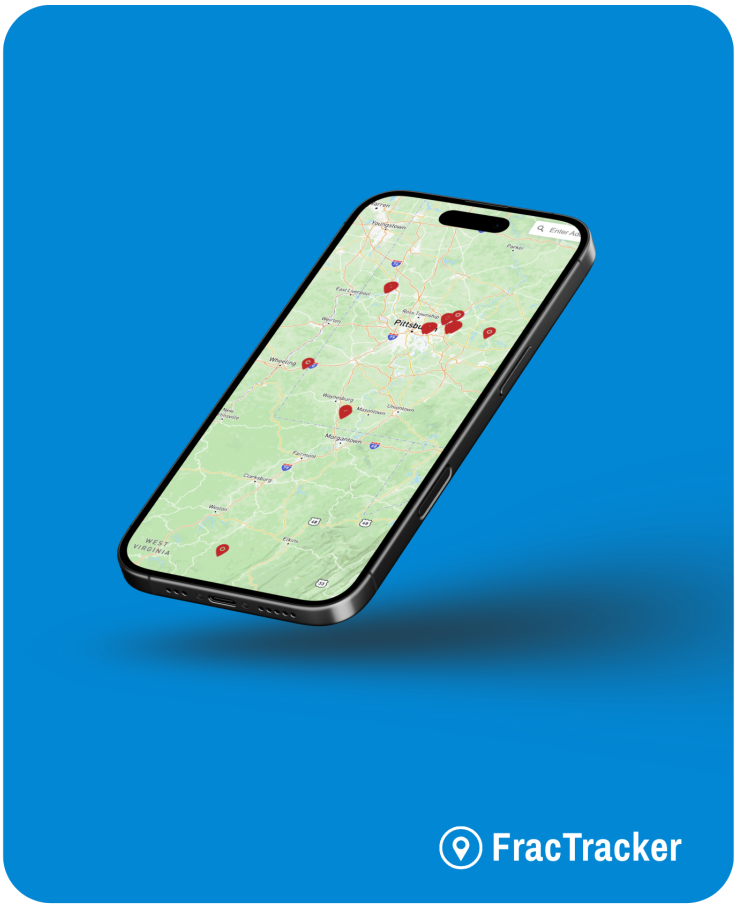
The FracTracker app for iOS and Android is a free tool for discovering the impacts of the fossil fuel industry near you.

Disclaimer: By using the FracTracker App, you agree to our Terms of Service. This app is intended for informational purposes only, and the Company disclaims liability for any actions taken based on its content.
FAQ

This resource is designed to assist you in navigating the app, understanding its features, and addressing common questions.​

The FracTracker app is a free tool that allows users to document and explore oil and gas activities. Users can view nearby infrastructure, submit reports with photos, and access a feed of community submissions.

You can access the web-based version at app.fractracker.org. Mobile versions are available for download on both the Apple App Store and Google Play Store.

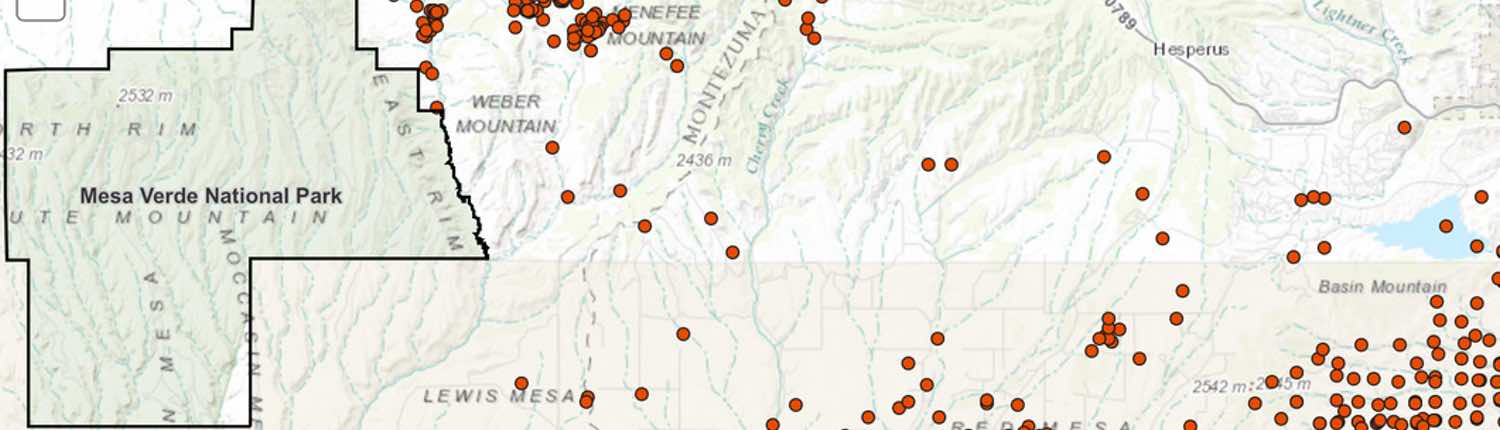
The map displays locations of oil and gas infrastructure, including oil and gas wells, compressor stations, plants (e.g., coal, biodiesel, natural gas, petroleum, ethanol, ethylene cracker), terminals, ports, hubs, pipelines (digitized by FracTracker), and liquid pipelines. It also shows user-submitted reports detailing various observations. While efforts are made to ensure accuracy, some data, especially pipeline routes, may be approximate due to limitations in publicly available information.

Some infrastructure data may be limited due to availability or may not be displayed at certain zoom levels. Try zooming in or out, or check back later as data is routinely updated.​

Ensure you have a stable internet connection. If problems persist, contact FracTracker support at support@fractracker.org.​

Share Your Feedback

Report any problems you’ve experienced, suggest new functionality, or share any general comments you have about the app.